What to do when your grill displays Error: 0010 Ignitor Not Detected, ER 10, or Ignitor Not Detected.
The Ignitor Not Detected error means your grill's controller isn't detecting the expected electrical current from the ignitor — the component that lights the pellets in the firepot. When this error triggers, the grill shuts down and won't allow a new cook to start until it's been power cycled. The cause and fix differ depending on which grill you have: on touchscreen WiFIRE grills, this error is almost always caused by outdated firmware; on Woodridge grills, it typically points to a loose ignitor connection.
How this error appears on your grill
This error may look different depending on which grill you have:
- Error: 0010 Ignitor Not Detected — Touchscreen WiFIRE grills (Timberline, Ironwood)
- ER 10 — Woodridge series
Fix this error
Safety first: Ignitors can remain hot enough to cause burns after a shutdown cycle. Make sure your grill has fully cooled before handling the ignitor or any internal components.
Select your grill type below to get started. Not sure which grill you have? Look for the controller image that matches yours.
Touchscreen Grills: Error 0010 Ignitor Not Detected
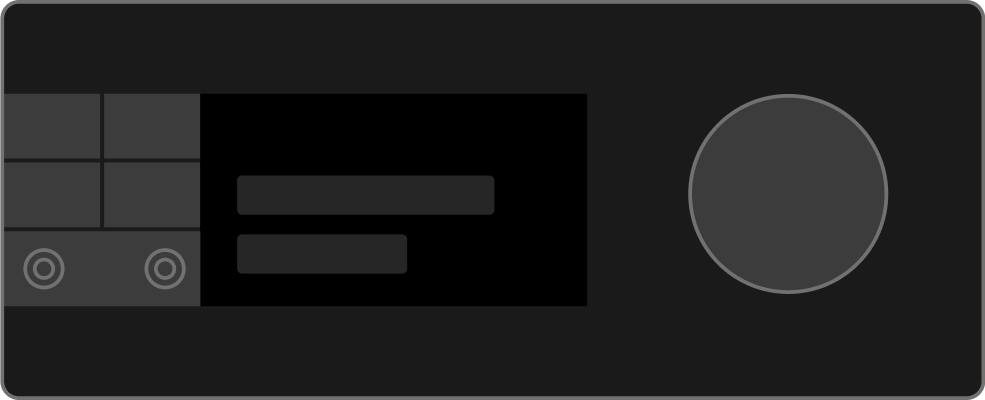
Applies to: Ironwood · Ironwood XL · Timberline · Timberline XL
On touchscreen WiFIRE grills, Error 0010 is triggered when the grill is running firmware older than v.01.04.00. Updating firmware is the first step and resolves the error in most cases.
-
Check your firmware version and update if available. Check your grill's firmware here and install any pending updates before continuing.
Pro Tip: Your grill's firmware updates automatically when connected to WiFi, even when left in Standby or Sleep mode. - Power cycle the grill, then start a cook. Turn the grill off and back on, then begin a normal cook cycle. If the grill starts without triggering an error, the issue is resolved.
If the ignitor is still having trouble after the firmware update, the grill will surface a more specific error: Error 0007: Grill Failed to Ignite or Error 0002: Low Temperature Error. Follow the relevant article to continue troubleshooting.
Woodridge Series: ER 10
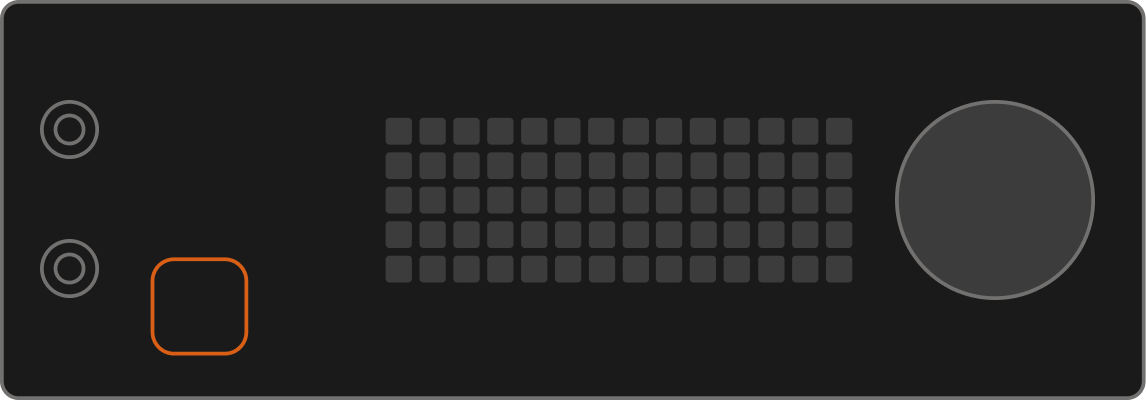
Applies to: Woodridge · Woodridge Pro · Woodridge Pro Plus · Woodridge Elite
- Once the grill is cooled down, remove the grates, drip tray, and heat baffle.
- Ignite the grill.
- Check for heat coming from the ignitor either by hovering your hand over the firepot or by verifying the pellets in the firepot start smoking.
- If there's no heat, turn off and unplug the grill. Then remove the auger box panel by unscrewing the 10 screws securing the panel to the auger box (x2 on each end, x3 along both sides).
- Find the ignitor connection to the motherboard. Disconnect and reseat the ignitor connection.
- Reassemble the grill, set a temperature, and ignite.
If the pellets still aren't smoking after the grill ignites, replace the ignitor.
If replacing the ignitor doesn't resolve the issue, contact Customer Support.
Still need help?
If you've worked through all the steps above and the error is still appearing, our support team can help diagnose what's going on.