The Auger Disconnected error means your grill's controller has lost communication with the auger motor—the component responsible for feeding pellets from the hopper into the firepot. When this happens, your grill will stop feeding pellets and begin a controlled shutdown. In most cases, a loose wiring connection at the auger motor is the cause, and reseating it will clear the error.
This error may look different depending on which grill you have:
- Auger Disconnected or Auger Not Detected — D2 WiFIRE grills
- Error: 0013 Auger Not Detected — Touchscreen grills (Timberline, Ironwood)
- ER 13 — Woodridge series
Why this happens
The auger motor communicates with the controller through a tachometer sensor that sends position signals as the motor turns. If the controller stops receiving those signals—most often because of a loose or unplugged wiring connection, a seized motor, or pellet buildup causing excess load—it triggers this error and shuts down to protect the grill.
Fix this error
Select your grill type below to get started. Not sure which grill you have? Check the label on the back leg or hopper, or look for the controller image that matches yours
D2 WiFIRE Grills — Auger Disconnected / Auger Not Detected
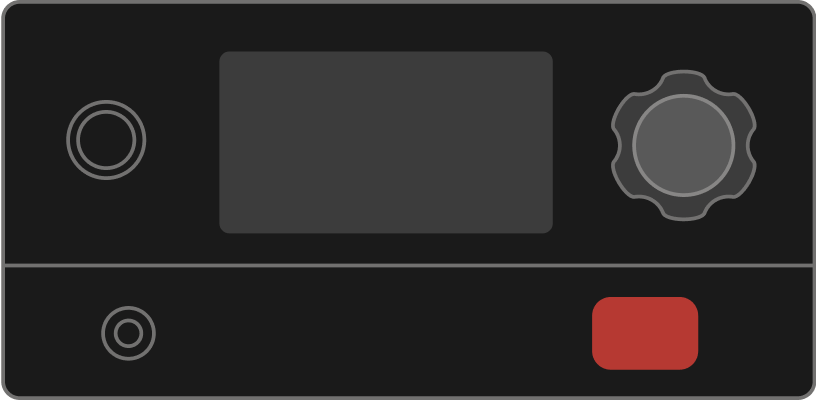
Applies to: Pro 575 · Pro 780 · Ironwood 650 · Ironwood 885 · Timberline 850 · Timberline 1300 · Century 885 · Redland · Redland XL · Ridgeline XL · Silverton 620 · Silverton 810 · Silverton XL
- Power off and unplug your grill. Turn the grill off using the power button, then disconnect it from the power outlet. Wait 30 seconds before continuing.
-
Confirm the auger motor is connected to the controller. Unscrew the controller and pull it away from the hopper to expose the wiring connections. Disconnect the auger motor connector, inspect it for bent pins, corrosion, or debris, and reseat it firmly in place.
-
Check the wiring connection to the auger motor. Remove the hopper access panel (bottom or side panel, depending on your model), and locate the auger motor. Disconnect and reconnect the wire harness.
- Plug the grill back in and power it on. Start a cook and monitor the grill for the first 10 minutes. If it operates normally, the issue is resolved.
If the error is still showing: Contact Traeger Support or consider replacing the auger motor.
Touchscreen Grills — Error: 0013
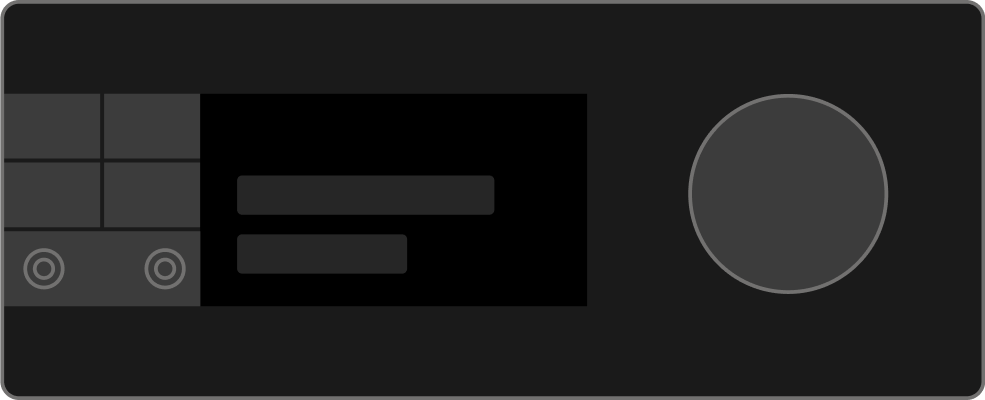
Applies to: Ironwood · Ironwood XL · Timberline · Timberline XL
- Run a Self Test. This checks if your components are connected and communicating with your controller. On your controller, got to MENU > MAINTENANCE & CARE > SELF-TEST. If the Auger test fails, continue.
- Power off and unplug your grill.
-
Inspect the auger motor wiring & connection points. Remove the hopper service panel on the right side of the hopper. Then remove the motherboard cover. Disconnect the auger motor connection on the motherboard, inspect it for bent pins, corrosion, or debris, and reseat it firmly in place.
- Plug in the grill and power it on. Monitor the grill for the first 10 minutes of a cook cycle. If it operates normally, the issue is resolved.
If the error is still showing: Contact Traeger Support or consider replacing the auger motor.
Woodridge Series — ER 13
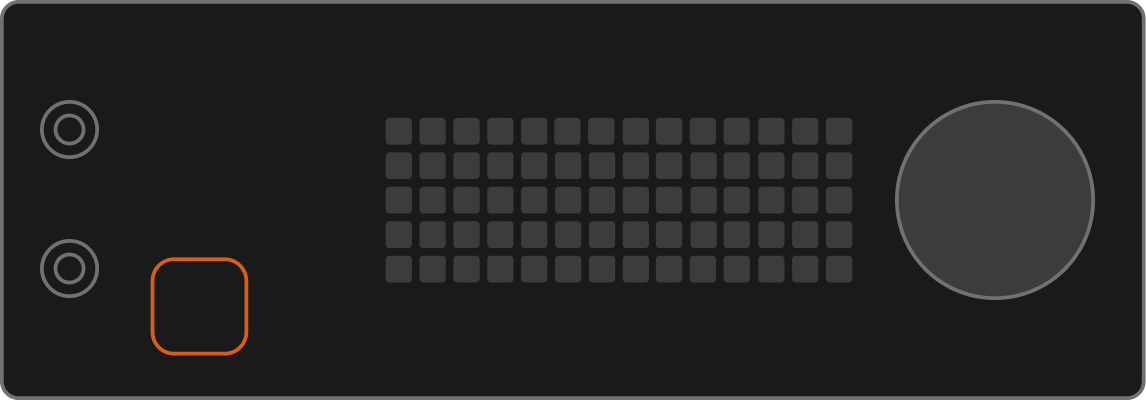
Applies to: Woodridge · Woodridge Pro · Woodridge Pro Plus · Woodridge Elite
- Turn off and unplug the grill.
- Remove the auger box cover.
- Check the auger motor wiring connections. Remove the auger box cover by unscrewing the x10 screws securing it to the auger box. Disconnect and reconnect the connectors labeled AUGER and MAIN BOARD CONNECTOR.
-
Crank the auger motor to check for an auger jam. It should twist smoothly.
If it won't turn, see Clearing an Auger Jam in a WiFIRE-Enabled Grill. - Plug the grill back in and power it on. Run a cook cycle and monitor for the first 10 minutes. If the grill operates normally, the issue is resolved.
If the error is still showing: Contact Traeger Support or consider replacing the auger motor.
Still need help?
If you've worked through all the steps above and the error is still appearing, our support team can help diagnose what's going on.